As smart home devices become more common, issues often arise. One frequent concern is connectivity. Many users wonder, "Why does my smart lamp keep disconnecting from Wi-Fi?" This question reflects an ongoing struggle with modern technology.
Smart lamps are designed for convenience. However, frequent disconnections can cause frustration. These interruptions may disrupt your daily routine. They can prevent you from enjoying the full benefits of your device. Understanding the reasons behind disconnections can help mitigate these issues.
Wi-Fi connectivity problems can stem from various sources. Signal interference from other devices is one possibility. The distance between your lamp and router can also play a significant role. Additionally, outdated firmware may cause serious issues. Identifying the cause is crucial for a reliable smart home experience. Through troubleshooting, you can regain control over your smart lamp's connectivity.
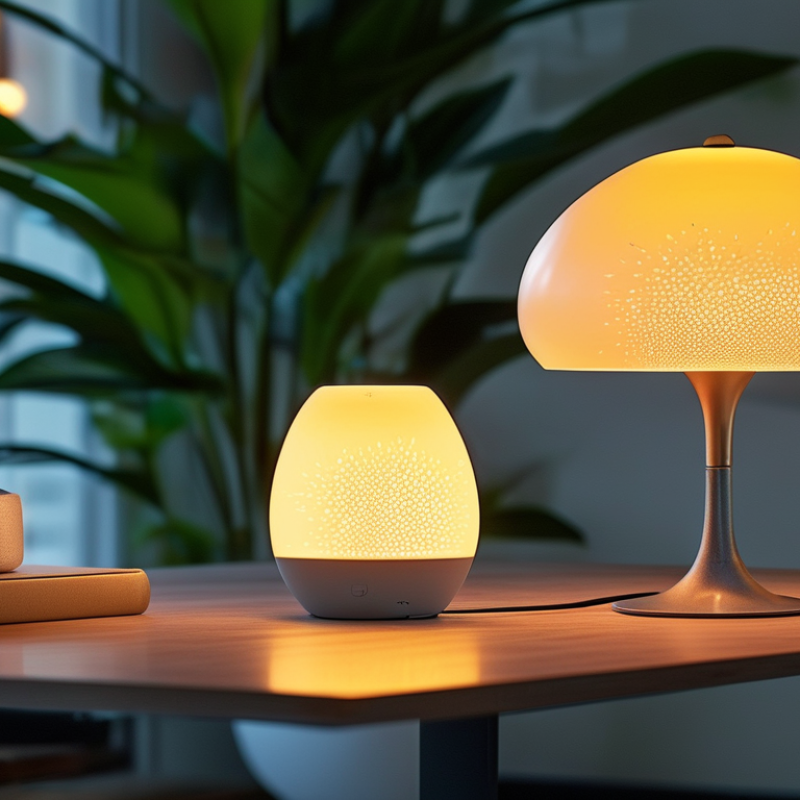
Understanding the Basics of Smart Lamp WiFi Connectivity
Smart lamps have become popular in modern homes, enhancing convenience and ambiance. However, many users face the frustrating issue of their smart lamps disconnecting from WiFi. Understanding the basics of WiFi connectivity for these devices is essential for a smoother experience.
Connectivity often hinges on various factors. Router placement is crucial. If your router is too far, the signal weakens. Obstacles like walls can further disrupt communication. Sometimes, the issue lies within the smart lamp itself. Ensure your lamp’s firmware is updated regularly. Outdated software can lead to disconnections.
Network interference is another common culprit. Other devices using the same frequency band can create issues. Try switching your router to a less congested channel. This small change can greatly enhance connectivity. Reflect on your home environment and how it impacts your smart lamp's performance. Adjustments can bring significant improvements.
Smart Lamp WiFi Connectivity Issues
Common Reasons for Smart Lamp Disconnections from WiFi
Smart lamps can enhance the ambiance of any room, but frequent disconnections from WiFi can be frustrating.
One common reason for this issue is poor network coverage. If your smart lamp is located far from the router, the signal might be weak.
Walls, furniture, and other obstacles can interfere with the WiFi signal. Place the lamp closer to your router or consider repositioning your router for better connectivity.
Another factor is network congestion. If many devices are connected to the same network, it can lead to slow speeds and dropouts.
Smart bulbs often require a stable connection to maintain functionality. You can reduce congestion by disconnecting unused devices or upgrading your internet plan for improved bandwidth.
Additionally, outdated firmware in your smart lamp can lead to issues. Regularly checking for updates can help maintain connection stability.
Power issues might also cause disconnections. If your lamp experiences fluctuations in voltage, it may reset and lose its connection.
Use quality outlets and avoid power strips that might not provide consistent power.
Lastly, the compatibility between your smart lamp and WiFi router matters. Check if your router operates on the correct frequency bands, as many smart devices work better on 2.4 GHz networks compared to 5 GHz.
These considerations can help enhance your experience with smart lamps.
Troubleshooting Steps for Resolving WiFi Issues with Smart Lamps
Smart lamps can be a fantastic addition to any home; however, frequent disconnections from WiFi can be frustrating. One common issue is the distance from the router. If your lamp is too far away, it may struggle to maintain a stable connection. Try moving the lamp closer to your router and see if the issue persists. Obstacles like walls and furniture can also interfere with the signal. Removing these barriers may improve connectivity.
Another potential cause is interference from other devices. Many household appliances can disrupt WiFi signals, especially microwaves and cordless phones. Adjusting the channel on your router may help mitigate this issue. It's also essential to ensure that your smart lamp's firmware is up to date. Manufacturers often release updates to address connectivity problems. Check the app associated with your lamp for any available updates.
Keep in mind that network congestion could also play a role. If many devices are connected to the same network, it could lead to drops. Reducing the number of active connections might improve your lamp’s performance. At times, a simple restart of the lamp or the router can work wonders. In each case, patience and a bit of trial and error may be necessary to find the right solution.
Preventative Measures to Maintain Steady WiFi Connection for Smart Lamps
Maintaining a steady WiFi connection for smart lamps can be challenging. Industry studies show that up to 30% of smart home devices disconnect frequently. Common issues include weak signals and network congestion. Ensuring your router is in a central location can help. Obstacles like walls can weaken signals. The presence of other electronic devices may also interfere with connectivity.
Regularly updating your router’s firmware is crucial. A recent survey indicated that outdated firmware led to disconnections in 20% of cases. This step enhances security and performance. Using the 2.4 GHz band often improves range compared to the 5 GHz band. Smart lamps typically don't require high speeds, making 2.4 GHz a suitable choice.
Additionally, consider adopting mesh networking systems. These systems expand coverage and minimize dead zones. A report highlighted that homes with mesh systems experienced a 50% reduction in connectivity issues. Reflect on how often you check your network status. Frequent disconnections may indicate a need for changes in network setup or even the need for a hardware upgrade. Addressing these simple factors can make a significant difference in your smart lighting experience.
When to Seek Professional Help for Persistent WiFi Problems
Persistent WiFi issues with smart lamps can be frustrating. If your lamp keeps disconnecting, it might not just be an annoyance. It could indicate underlying problems with your home network. WiFi connectivity can fluctuate due to several factors, including interference from other devices or weak signal strength in your area.
When basic troubleshooting fails, it may be time to seek professional help. An expert can assess your network setup. They understand the intricacies of home WiFi systems and can pinpoint issues you might overlook. Additionally, a professional can recommend solutions tailored to your environment, such as optimizing your router placement or upgrading equipment. Engaging a specialist can save time and prevent ongoing frustration.
It’s important to reflect on your own troubleshooting attempts. Did you move your lamp closer to the router? Did you check for other devices causing interference? If you've exhausted these options without success, reaching out for assistance is a wise decision. Your WiFi setup deserves attention, and sometimes, a fresh perspective is the key to resolving these pesky disconnections.
Conclusion
In addressing the question, "Why does my smart lamp keep disconnecting from Wi-Fi?", it's crucial to understand the fundamentals of smart lamp connectivity. Smart lamps rely on a stable Wi-Fi connection for functionality, and various factors can lead to disconnections. The common reasons for such issues include weak signal strength, network congestion, and outdated firmware.
To troubleshoot these problems, users can check their Wi-Fi signal strength, reboot the lamp, or update its software. Preventative measures, such as placing the lamp closer to the router and ensuring a robust network environment, can help maintain a steady connection. If issues persist despite these efforts, it may be necessary to seek professional assistance to resolve deeper connectivity problems efficiently.

 LuxPower Light